

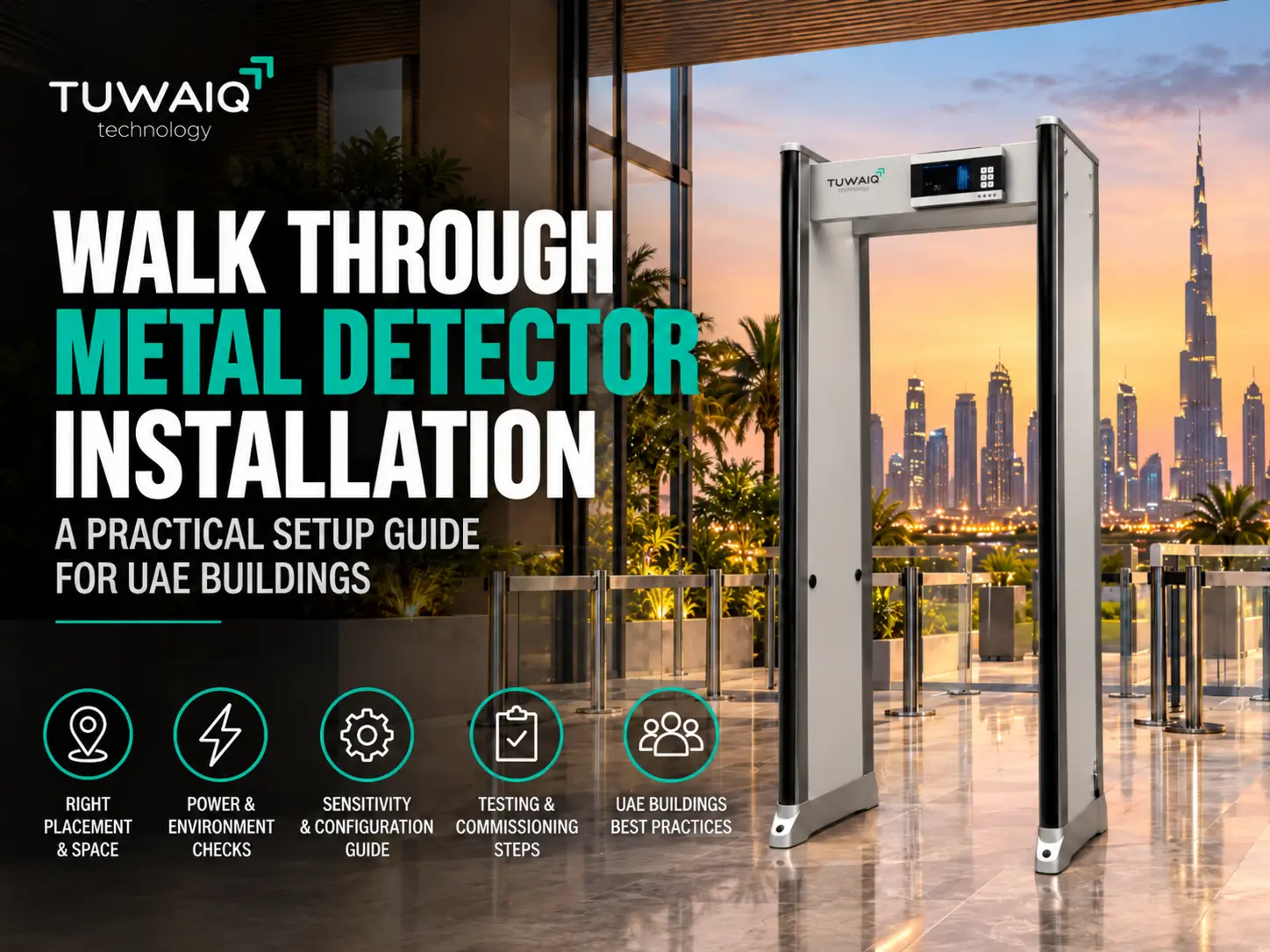
Walk Through Metal Detector Installation: Setup Guide for UAE Buildings
Walk through metal detector installation is not simply a matter of assembling the frame, connecting power and switching the system on.
The quality of the walk through metal detector installation can directly affect alarm stability, screening efficiency and the day-to-day experience of security operators.
For UAE hotels, government buildings, commercial towers, schools, transport facilities and other controlled entrances, the detector must be positioned around the actual screening workflow and surrounding environment.
Nearby metal, electrical equipment, unstable flooring, poor lane design or unsuitable sensitivity settings can all create unnecessary operational problems.
This practical guide explains the key points facility managers and security teams should check when planning a walk-through metal detector installation.
Explore the Tuwaiq walk-through metal detector range for permanent and flexible personnel-screening checkpoints.
1. Start With the Screening Workflow
Before deciding exactly where the detector should stand, first understand how people will move through the checkpoint.
Ask:
- Where will visitors enter?
- Where will queues form?
- Where will bags and personal belongings be placed?
- Where will a security officer stand?
- Where will secondary screening take place?
- Is an X-ray baggage scanner also installed?
- Does the checkpoint need more than one screening lane?
- Is there enough space after the detector for alarm resolution?
A walk-through detector should be part of an organized screening lane rather than placed wherever there happens to be enough floor space.
A typical checkpoint may operate as:
Queue → personal belongings preparation → walk-through detector → alarm resolution → handheld secondary screening → entry
Where bags also require inspection, the personnel-screening lane can operate alongside an X-ray baggage scanner.
2. Check the Available Door and Entrance Space
One of the first physical checks is whether the proposed location provides enough space for the detector itself and for people to move through it comfortably.
Do not plan only around the internal passage opening.
Allow space for:
- Complete detector frame
- Side panels or columns
- Base sections
- موقع المشغّل
- Electrical connection
- Access for maintenance
- Passenger or visitor approach
- Exit from the screening lane
- Secondary inspection
Measurements should be taken from the actual installation location before equipment is delivered.
This is especially important when the detector will be positioned inside an existing doorway, reception lobby or narrow security entrance.
Always confirm the dimensions of the specific detector model rather than assuming every WTMD has the same size.
3. Install the Detector on a Level, Stable Surface
A walk-through metal detector should be installed on a level and stable surface.
An unstable or uneven floor can cause movement or vibration, which may affect the physical stability of the gate and can contribute to inconsistent operation.
Before installation:
- Check that the floor is level.
- Confirm that the detector does not rock or move.
- Secure the frame where required.
- Avoid placing the gate on unstable temporary flooring.
- Ensure cables do not create a trip hazard.
For temporary events or movable checkpoints, the floor condition should still be reviewed each time the detector is repositioned.
The compact Tuwaiq INSPECTA™ 8WPZ is designed for straightforward installation and repositioning, while installation conditions still need to be validated at each location.
4. Keep the Detector Away From Large Metal Objects
Nearby metal is one of the most important considerations during walk-through metal detector installation.
Large fixed or moving metallic objects close to the detection field can interfere with stable operation.
Potential sources include:
- Metal doors
- Steel frames
- Security barriers
- Turnstiles
- Metal cabinets
- Railings
- Large furniture with metal frames
- Elevators
- Moving trolleys
- Nearby machinery
The required separation can vary according to the detector model, site environment and sensitivity configuration.
For this reason, avoid using one universal distance for every project.
The final placement should be checked during commissioning, with the detector operating under the actual site conditions.
5. Consider Electrical and Electromagnetic Interference
Metal is not the only possible source of interference.
Electrical or electromagnetic equipment located close to the gate may also affect operating stability.
Examples can include:
- Electrical distribution equipment
- Large power cables
- Motors
- Certain communication equipment
- Other security-screening systems
- Nearby electronic equipment
- Strong electromagnetic sources
During installation, the technical team should observe the detector’s interference indicators or diagnostic information where available.
If interference is detected, the solution may involve changing the gate location, working frequency or nearby equipment arrangement.
Tuwaiq walk-through systems provide configurable operating settings designed to support deployment across different checkpoint conditions.
6. Plan the Power Supply Before Installation
Power should be planned before the detector is positioned permanently.
Check:
- Required input voltage
- Socket location
- Cable routing
- Availability of a dedicated power point
- Backup-power requirement
- Whether cables will cross visitor paths
- Emergency shutdown requirements
Avoid running loose power cables through the screening lane.
Where the checkpoint requires continuous availability, facility managers may also consider appropriate backup power according to the detector model and project requirements.
Power arrangements should follow the equipment documentation and the site’s electrical requirements.
7. Leave Space for the Security Operator
Facility managers sometimes focus completely on the detector and forget the operator.
The security officer needs a position from which they can:
- Observe people entering the detector
- See alarm indicators clearly
- Control visitor flow
- Communicate with the person being screened
- Reach secondary-screening equipment
- Respond to alarms without blocking the lane
For multi-zone systems, the alarm-location display should be easily visible to the operator.
The Tuwaiq INSPECTA™ 45Z provides 45-zone height-on-person alarm localization to help operators identify the approximate position of detected metallic objects.
8. Separate Primary and Secondary Screening
A WTMD normally performs primary personnel screening.
If an alarm occurs, the person may require a more focused check.
جهاز handheld metal detector can then be used for targeted secondary inspection.
Ideally, secondary screening should not take place directly inside the main flow of people.
Provide a small adjacent area where the security officer can resolve an alarm while the main screening lane continues operating.
This becomes increasingly important at busy entrances.
For more detail on how the two detector types work together, see our guide to Handheld vs Walk Through Metal Detectors.
9. Installing Multiple Walk Through Metal Detectors Side by Side
Large UAE buildings, events and high-volume entrances may require several screening lanes.
Installing multiple WTMDs next to each other requires additional planning.
Simply placing several identical gates beside one another and switching them on may create interference.
The installation team should consider:
- Spacing between gates
- Operating frequencies
- Sensitivity configuration
- Nearby metal
- Lane barriers
- Passenger flow
- Secondary-screening areas
Where multiple gates are installed together, different operating frequencies may be used where supported, and the arrangement should be validated during commissioning.
Do not assume that a configuration that works for one gate will automatically work for six gates installed side by side.
10. Configure the Sensitivity for the Actual Site
Sensitivity should not automatically be set to the highest possible level.
The correct configuration depends on what the security team is trying to detect and how the checkpoint operates.
Setting sensitivity unnecessarily high can result in frequent alarms from ordinary metallic items.
This can:
- Slow visitor flow
- Increase secondary inspections
- Create longer queues
- Increase operator workload
- Reduce screening efficiency
The appropriate setting should be selected during commissioning based on the security requirement.
Tuwaiq’s multi-zone detectors provide adjustable sensitivity options so the system can be configured around the operating environment.
For more detail on zones and sensitivity, see our guide to Multi Zone Walk Through Metal Detectors: How Many Detection Zones Do You Need?
11. Configure the Correct Security Program
Depending on the detector, several presets or security programs may be available.
These should be selected according to the site’s operational and security requirements.
A hotel lobby, school entrance and government facility may not all require exactly the same screening configuration.
During commissioning, consider:
- Threat profile
- Typical personal items carried by visitors
- Visitor volume
- Required alarm threshold
- Security procedures
- Secondary-screening capacity
The chosen configuration should provide the required screening level without creating unnecessary operational disruption.
12. Test the Detector After Installation
Never consider the installation complete immediately after power-up.
The system should be tested in its final operating position.
Testing can include:
- System startup
- Self-diagnostics
- Alarm indicators
- Zone indication
- Sensitivity response
- People counter where applicable
- Audible alarms
- Visual alarms
- Communication or network functions where applicable
- Operation alongside adjacent equipment
The objective is to confirm that the detector operates consistently in the real site environment.
A test performed in a warehouse before delivery cannot replace final on-site commissioning.
13. Check the Detector With Normal Visitor Flow
Technical testing should also be followed by practical operational testing.
Allow test users to approach and pass through the checkpoint in the same way real visitors will.
Observe:
- Approach path
- Walking speed
- Queue formation
- وضوح الإنذار
- Operator response
- Secondary-screening movement
- Exit path
This can identify layout problems that may not appear during technical commissioning.
For example, the detector may operate perfectly, but the entrance lane may force visitors to cross each other’s paths after screening.
That is a checkpoint-design issue even if there is nothing wrong with the detector itself.
14. Establish a Daily Test Routine
A short functional check should form part of the site’s daily security routine.
Before screening begins, the security team can verify:
- Detector powers on correctly
- No unexpected fault is displayed
- Alarm lights are functioning
- Audible alarm is working
- Detection response is consistent
- Passage counter is operating where used
- Surrounding area has not changed
- No new metallic or electrical equipment has been placed nearby
If the security procedure requires a defined test object or verification method, operators should follow that approved site procedure consistently.
Daily checks help identify obvious issues before the entrance becomes busy.
15. Do Not Change the Surrounding Environment Without Checking the Detector
A checkpoint can change after installation.
Facility teams may later add:
- Queue barriers
- Decorative metal stands
- Signage
- Furniture
- Security desks
- Access-control gates
- New electrical equipment
- Additional metal detectors
These changes can affect the environment around the WTMD.
If significant equipment or metal structures are added near the detector, the installation should be reviewed and the gate retested.
A system commissioned six months earlier may need adjustment after the checkpoint layout changes.
16. Train Operators After Commissioning
Installation and operator training should go together.
Security personnel should understand:
- Correct startup and shutdown
- Alarm indicators
- Zone indicators
- Visitor flow
- Secondary-screening procedure
- Basic daily checks
- What not to place near the detector
- When to report a technical issue
- Which settings they are authorized to change
Operators should not make random sensitivity or frequency adjustments simply to stop alarms.
If the detector begins behaving differently, the cause should be identified rather than masking the problem with uncontrolled setting changes.
Walk Through Metal Detector Installation Checklist
Facility managers can use this basic checklist before commissioning:
| Installation Item | Check |
|---|---|
| Entrance dimensions confirmed | ✓ |
| Stable and level floor | ✓ |
| Detector correctly assembled | ✓ |
| Large metal objects reviewed | ✓ |
| Electrical interference checked | ✓ |
| Power supply confirmed | ✓ |
| Cables safely routed | ✓ |
| Operator position planned | ✓ |
| Secondary-screening area provided | ✓ |
| Adjacent gates correctly configured | ✓ |
| Sensitivity configured | ✓ |
| Alarm indicators tested | ✓ |
| Functional test completed | ✓ |
| Visitor-flow test completed | ✓ |
| Operators trained | ✓ |
| Daily test procedure established | ✓ |
Common Walk Through Metal Detector Installation Mistakes
Several avoidable mistakes can reduce checkpoint performance.
Placing the Gate Directly Beside Large Metal
A convenient location is not always an appropriate detection environment.
Setting Sensitivity to Maximum
Higher sensitivity does not automatically mean better security.
Ignoring Nearby Electrical Equipment
Interference should be checked during commissioning.
Installing Multiple Gates With Identical Settings
Adjacent detectors may need different frequencies and site-specific configuration.
No Space for Secondary Screening
Alarm resolution should not block the main screening lane.
No Daily Functional Test
Security teams should know whether the gate is operating correctly before the checkpoint opens.
Changing the Layout After Commissioning
Adding nearby barriers, furniture or equipment can alter the detector’s operating environment.
Which Tuwaiq Walk Through Metal Detector Is Suitable?
Tuwaiq Technology provides different WTMD configurations for different checkpoint requirements across the UAE and GCC.
إنسبكتا™ 45Z
The إنسبكتا™ 45Z provides 45-zone height-on-person localization for demanding personnel-screening environments.
It is suitable where detailed alarm localization and structured checkpoint operation are important.
إنسبكتا™ 8WPZ
The إنسبكتا™ 8WPZ is a compact 8-zone system designed for flexible permanent and temporary personnel-screening checkpoints.
Its compact format can suit sites where easy installation, repositioning and straightforward alarm localization are priorities.
What About UAE Compliance?
Walk-through metal detectors and X-ray baggage scanners are different technologies and should not be treated as having identical regulatory requirements.
For X-ray inspection systems specifically, UAE projects need to consider radiation-related requirements and relevant project approvals. Tuwaiq’s separate UAE X-ray inspection system compliance guide explains FANR and potential project-specific considerations in more detail.
For any security project, the facility manager should also confirm applicable authority, tender, building and client requirements for the specific site before deployment.
Walk Through Metal Detector Installation in UAE Buildings
A good walk through metal detector installation should achieve three things:
Stable detection. Efficient visitor movement. Clear operator response.
The gate should be installed on a suitable surface, away from problematic interference, configured for the actual security requirement and tested within the final checkpoint environment.
Facility managers should also look beyond the detector itself.
The best results come from planning the complete lane, including personnel flow, baggage screening, secondary inspection, operator positioning and daily operating procedures.
Tuwaiq Technology supports personnel-screening projects across the UAE and wider GCC with walk-through metal detectors, handheld screening systems and complementary checkpoint solutions.
Planning a Walk Through Metal Detector Installation in the UAE?
استكشف المجموعة الكاملة من Tuwaiq walk-through metal detector range أو contact Tuwaiq Technology with your site location, entrance layout, expected traffic and security requirements.
The project team can review the checkpoint requirements and recommend a suitable configuration.
الأسئلة الشائعة
اسألنا
عن كل ما يهمك
Where should a walk through metal detector be installed?
A WTMD should be installed on a stable, level surface within a controlled screening lane. The surrounding area should be reviewed for large metal objects, electrical interference and other equipment that could affect operation.
Can a walk through metal detector be installed next to a metal door?
Large nearby metal structures may affect detector operation. The actual location should be tested during commissioning, and the required separation should be based on the model and site conditions rather than a universal distance.
Can two walk through metal detectors be installed next to each other?
Yes, but side-by-side gates should be configured carefully. Depending on the model, different operating frequencies and appropriate spacing may be required, followed by commissioning tests to confirm stable operation.
Should walk through metal detector sensitivity be set to maximum?
Not automatically. Sensitivity should match the site’s security requirement and operating environment. Excessively high sensitivity can produce unnecessary alarms and slow checkpoint flow.
Does a walk through metal detector need daily testing?
A basic functional check before operation is good practice. The security team should confirm that the detector powers on correctly, alarm indicators work and the system responds consistently according to the site’s approved procedure.
Can a handheld metal detector be used with a walk through detector?
Yes. Walk-through systems are commonly used for primary personnel screening, while أجهزة كشف المعادن المحمولة باليد can support focused secondary inspection when an alarm requires further checking.
Does Tuwaiq provide walk through metal detectors for UAE projects?
Yes. Tuwaiq Technology supports security-screening projects across the UAE and wider GCC with walk-through, handheld and other security-screening solutions. طويق للتقنية